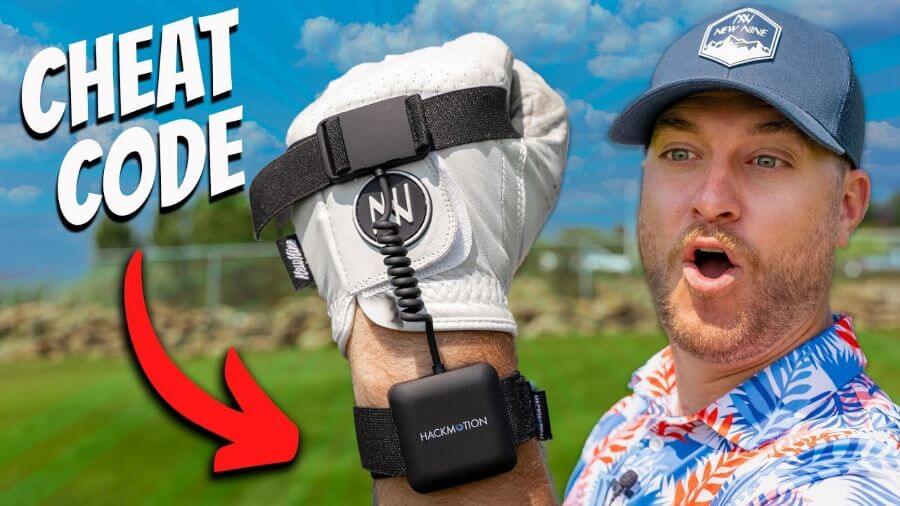
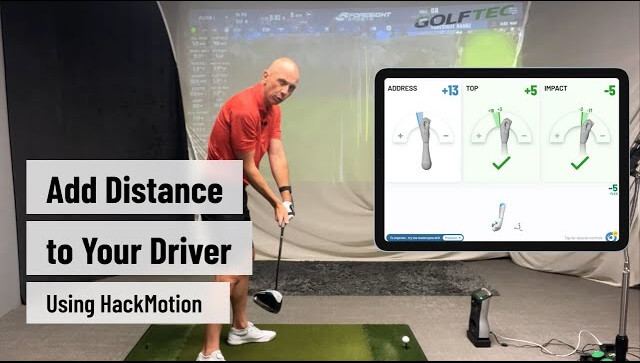
Driving Further with HackMotion – How to Add Distance to Your Driver

Distance from the tee seems like the perfect solution to making each hole on the golf course just a bit easier.
To add distance to your driver, you have to take the right approach. For many golfers, the wrong approach can lead to higher dispersion rates and more trouble.
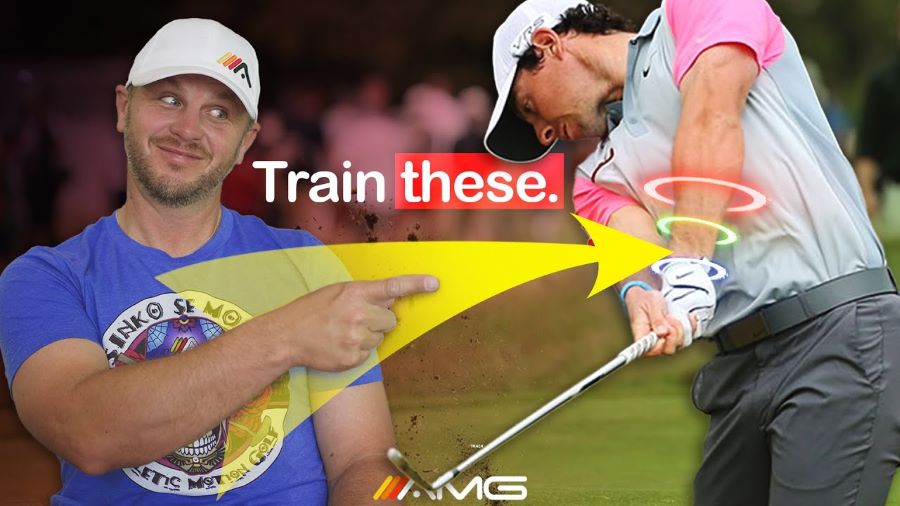
In this blog post, PGA coach Rob Cheney will show you how with the help of HackMotion, you can change your wrist pattern in your golf swing to produce more powerful drives.
Watch the video below for more details.
Key Takeaways from the Video
- Proper rotation can improve power in the golf swing; making simple adjustments to your setup may be all it takes to increase rotation.
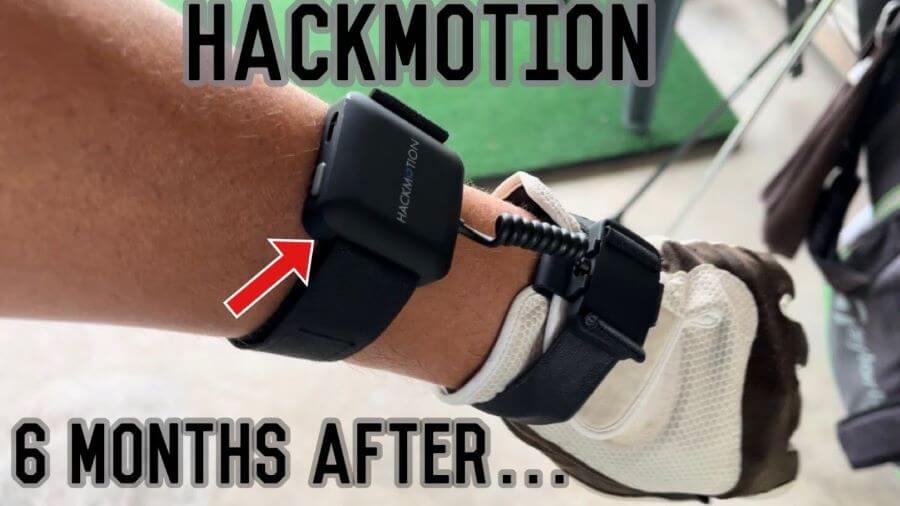
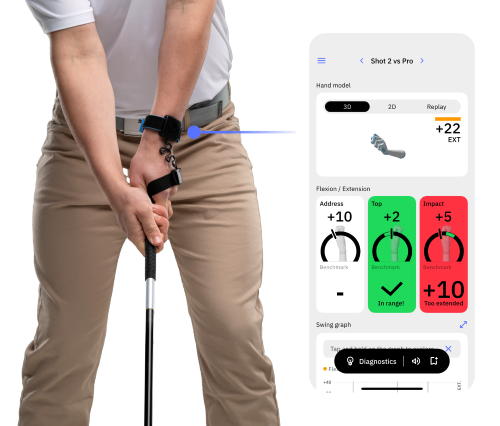
- Wrist motion will add distance to your driver, and HackMotion can improve your awareness of the wrist.
- Getting the wrist into the proper position at the top of the golf swing will help with the ability to increase speed and rotation through impact.
2 Simple Address Position Hacks to Increase Rotation in the Backswing
The turn in golf is a power generator. If you are struggling to turn properly, read these two easy tips on how to fix that:
Turn Your Feet Out
So many golfers have their feet pinned in, limiting the rotation in the backswing and also the downswing. For most golfers turning their trail foot out, more will help to increase the range of motion. The trail hip can move back much easier.
This is also a great solution for golfers who feel limited in mobility. If you have knee, back, or hip issues, this slight adjustment can get you where you need to be in your golf swing.
Pull Back on the Trail Foot.
After turning the trail foot out, try to pull it back. That helps to close out the hip, and the shoulder turns a bit more. This makes the backswing and this extra rotation easier to achieve.
Fixing Wrist Motion as a Way to Add Distance to Your Driver
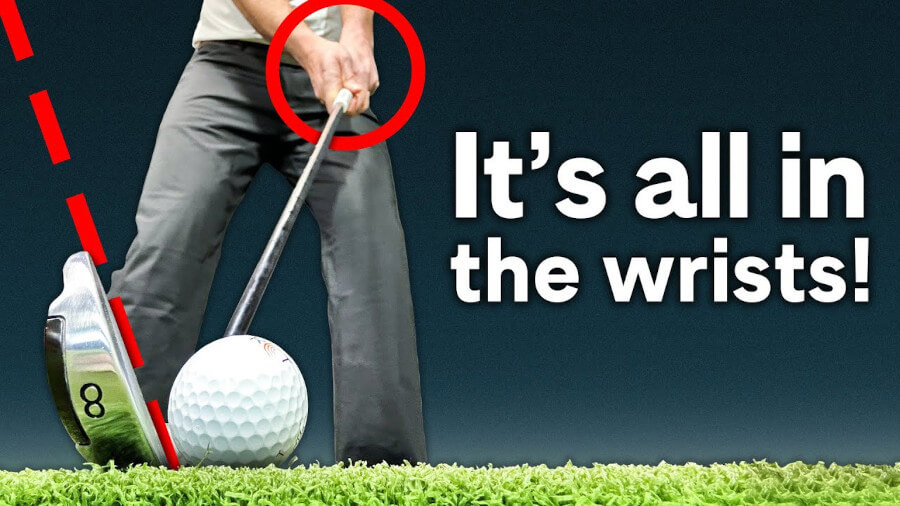
For many golfers, years of poor body motion have led to compensatory wrist motion, which is inefficient and costs you distance. Other golfers never learned the proper wrist position from the start and have no idea what role the wrists need to take.
One of the most common mistakes we see is golfers who are poorly rotating will over exaggerate the wrist motion because it “feels” more powerful.
In reality, these motions are not at all more powerful.
What Happens when Wrists are Used Incorrectly with the Driver?
When wrists are used incorrectly, and golfers are trying to create more power (without knowledge), the clubface will open itself up. An open clubface forces your swing on an in-to-out pattern and will result in a slice and loss of distance.
How to Fix Wrist Motion in the Driver Swing with the HackMotion?
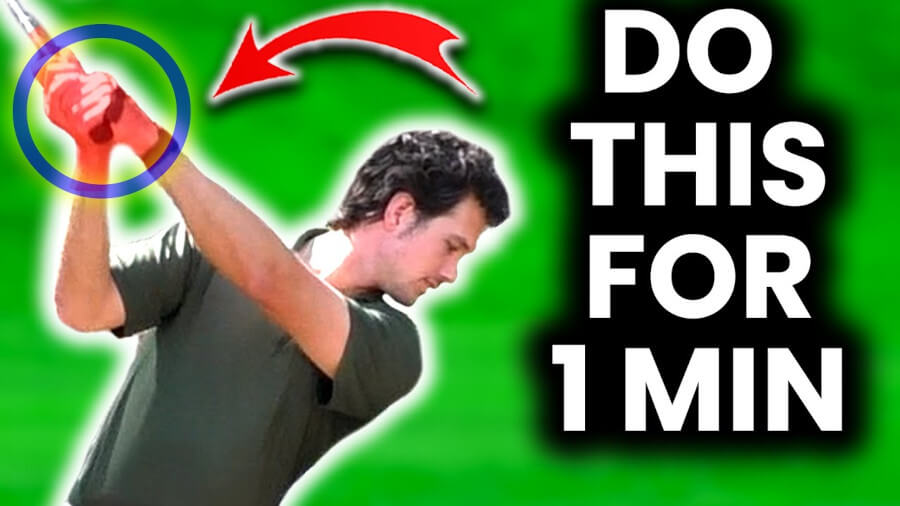
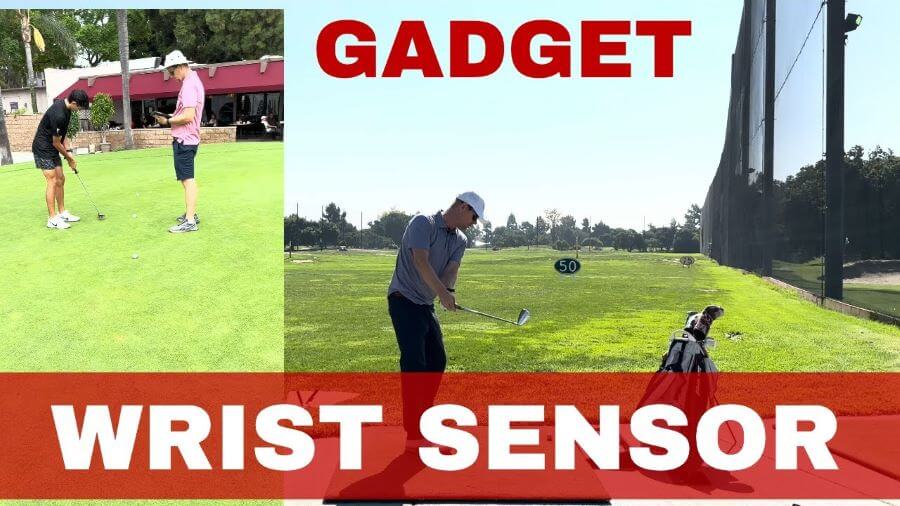
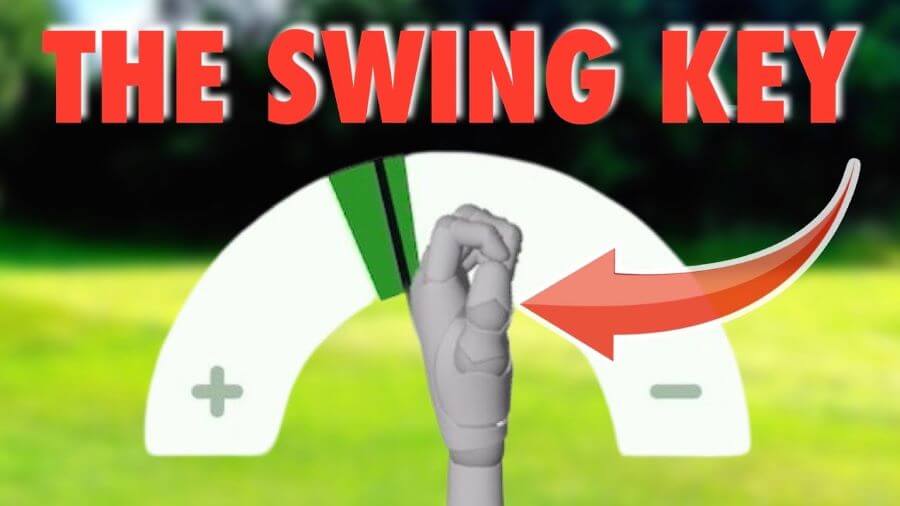
With the help of the HackMotion sensor, we’re going to show how to lengthen the swing at the top via more flexion of the lead wrist, making the wrist as flat as possible to get the club to travel as far as it can.
You can increase the swing’s length (without increasing extension), creating better wrist conditions and more rotation. With this scenario, the clubface will remain more closed at the top.
That slightly closed position will let you swing more from in to out, producing a more efficient and powerful delivery of the golf club into the ball.
HackMotion has analyzed more than 1,000,000 swings of tour players and amateur golfers.
These swings have allowed us to see the patterns that golfers are using to create this power.
Lead wrist flexion at the top is not a swing theory or a fad; it’s proven to be effective through the use of science and data collection.
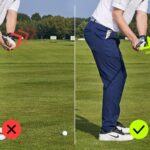
Bad Example
See the bad example with feet pinned in, lack of rotation, and wrist angles to lengthen the swing:

Take a look at the HackMotion data – you can see at the top the wrist is extended too much:
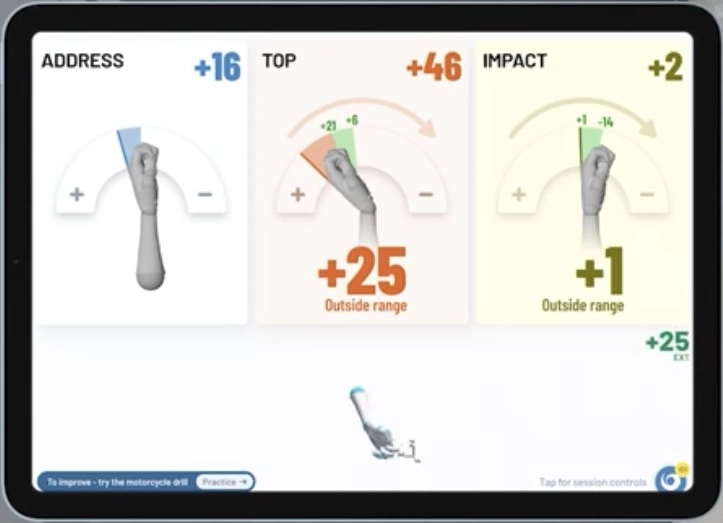
The extension in the backswing opens the clubface significantly and causes out-to-in swing, which in turn produces a slice.
3 Easy Steps to Fix Your Wrist Motion
1. Turn your feet out, make a few swings (wearing the HackMotion sensor), and check the extension numbers of your lead wrist in the HackMotion app.
2. Now, use built-in drills in the app to help you train the necessary wrist motion and stay in the range.

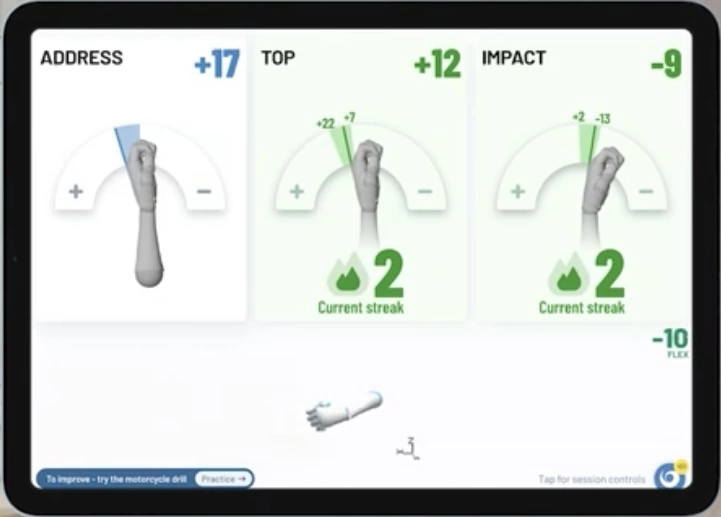
3. After training the right movement, take a few swings once again and see the numbers in the app. You should be in the range at the top and impact
Final Thoughts
Correct wrist motion might feel “wrong” at first, just because you were doing it wrong for so long and got used to the same feeling in your wrists.
Keep training regularly with HackMotion to avoid returning to your old ways and get used to correct wrist motion.